YouTLDR, right inside YouTube.
Transcripts, AI summaries, a visual timeline, and interactive chat — all without leaving the YouTube player.
Free extension installPro required to processWorks with your existing account
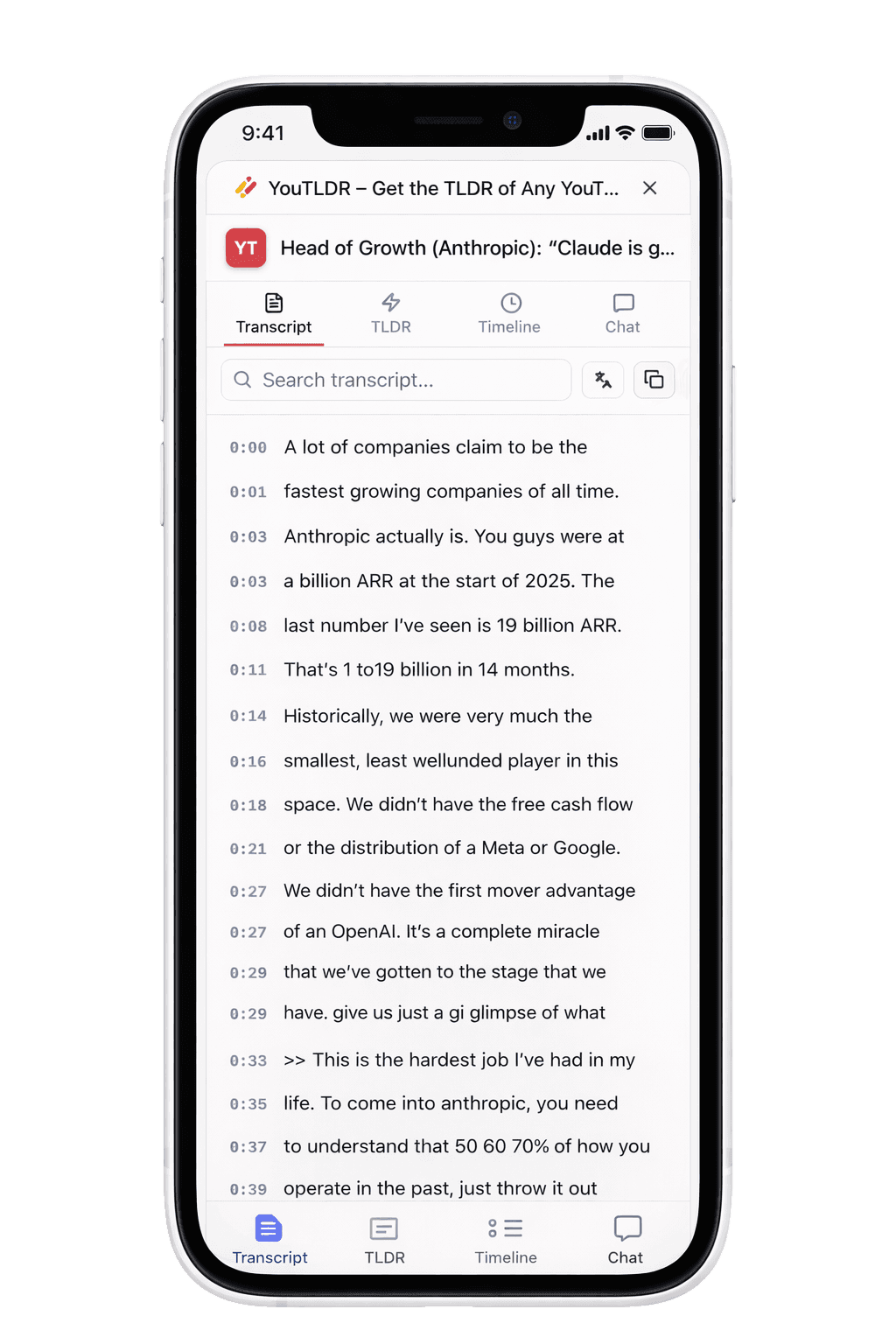
A closer look
Built for how you actually watch.
Every feature is designed around the video you’re playing — not the abstract idea of transcripts. Open the side panel on any watch page and the whole toolkit is synced to the player.
- Full transcript, searchable and translatable into 125+ languages
- AI TLDR with key points, quotables, and a skip map
- Live-syncs to playback — the active line lights up as you watch
Three steps to get started
Install, open any video, click the TLDR button. The side panel takes it from there — no setup, no configuration.
Install in Chrome
Add YouTLDR from the Chrome Web Store — takes about ten seconds. Sign in with your YouTLDR account and use an active Pro plan to process videos.
Open any YouTube video
A red TLDR button appears automatically under every watch page. No configuration, no per-site permissions, no nagging.
Click to unlock the toolkit
The side panel opens with the full suite — transcript, TLDR, timeline, and chat — all synced to the video you’re watching.
Everything, one click away
Tap the red TLDR button on any YouTube watch page and the side panel opens with the full toolkit.
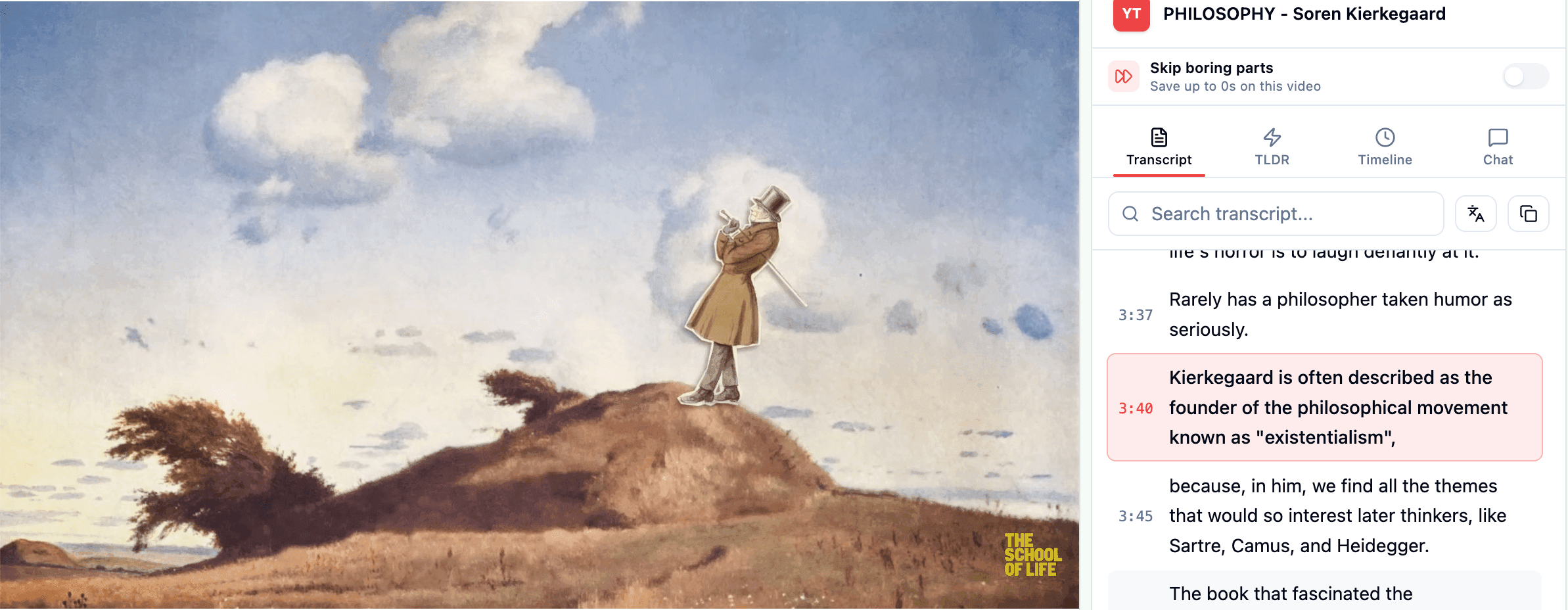
Transcript in sync
The full transcript, searchable and translatable into 125+ languages — now live-synced to the player. Click any line to jump there.
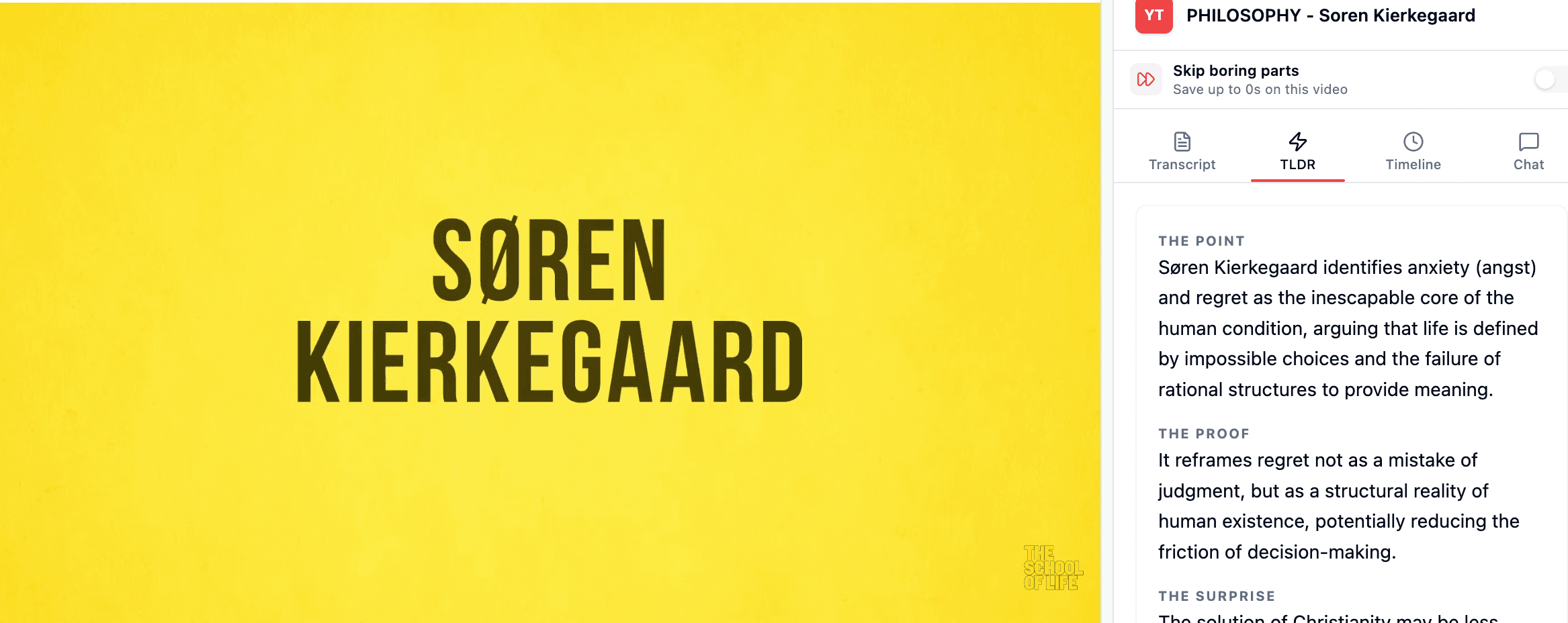
TLDR in one click
The point, the proof, the surprise — plus quotables, topics, and a skip map. Generated in seconds, without ever leaving the video.
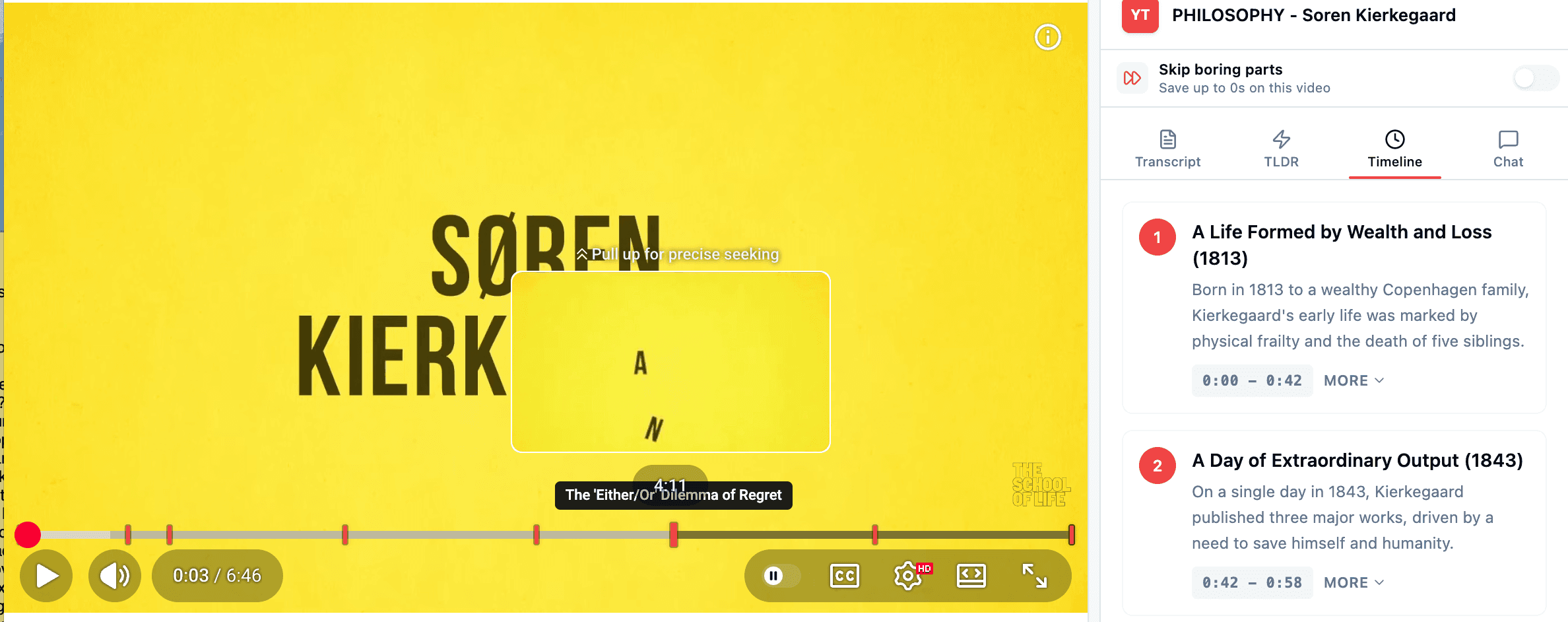
Timeline of key moments
AI-generated beats of the video, each with a timestamp and one-tap seek. The chapters YouTube should've given you.
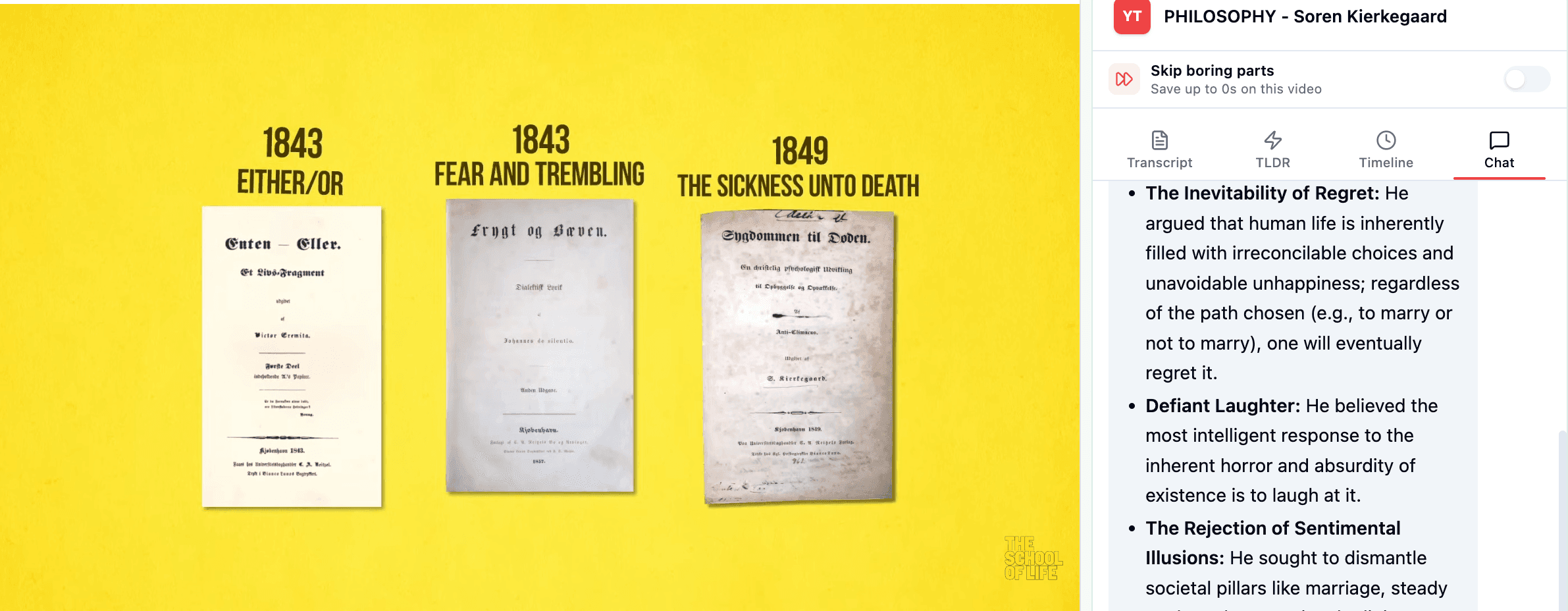
Ask the video anything
Chat with the full transcript as context. Great for long lectures, podcasts, and research where you need a specific answer.
Built to watch, not just read
A few extras that light up automatically while a video plays — no setup required.
Live transcript cursor
The active line follows playback and scrolls into view as the video plays. Click any row to jump.
Timeline on the scrubber
Generated timeline events pin themselves to YouTube's own progress bar. Hover to preview, click to seek.
Skip boring parts
An optional toggle auto-advances past segments the AI flagged as skippable. Off by default.
Ready to watch smarter?
Install takes about 10 seconds. Works on any YouTube watch page the next time you play a video.
Add to ChromeFrequently asked questions
Still curious? See our privacy policy or the main YouTLDR home page.